Character card
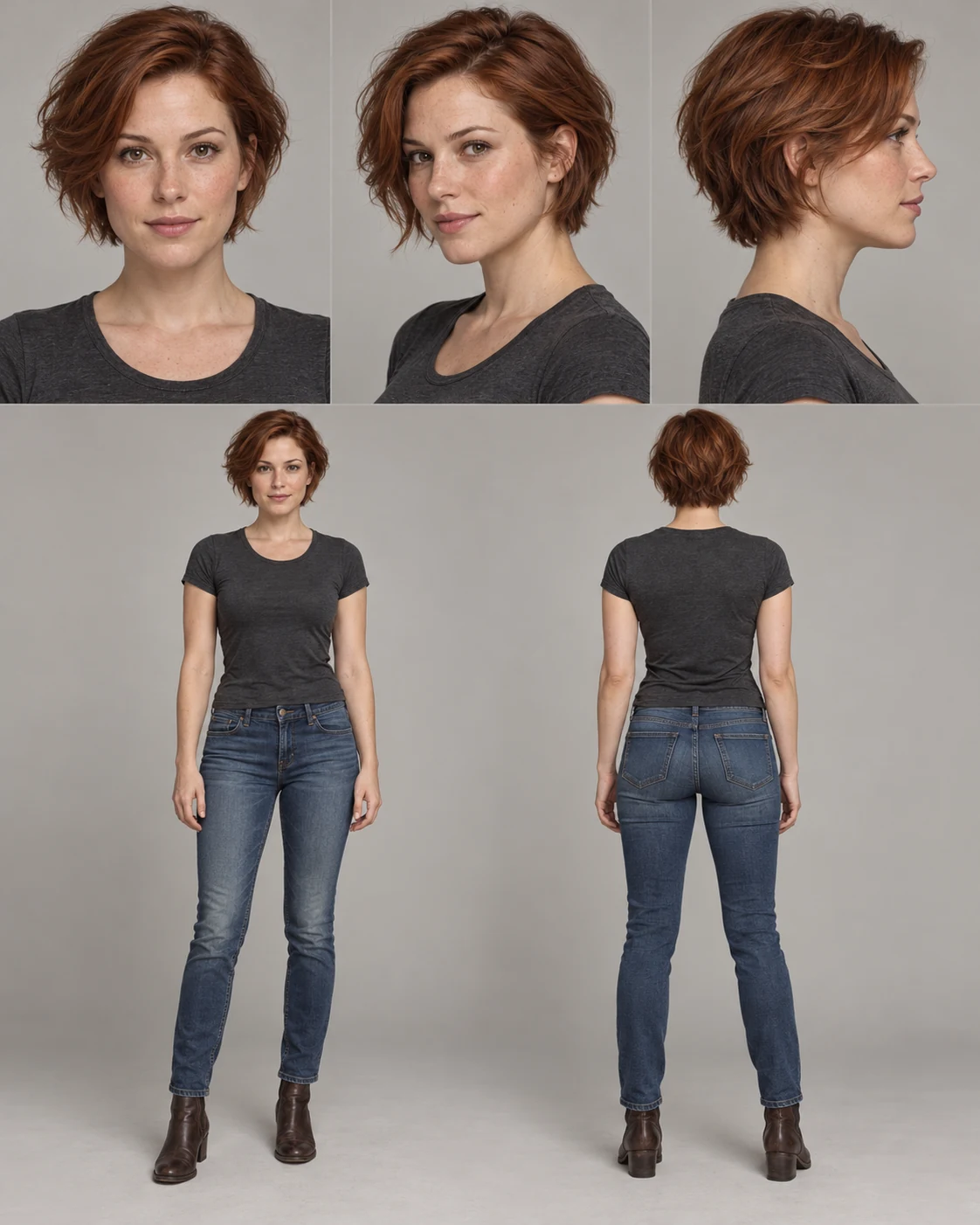
Face angles, full body, and image details for sequential generations.
Photo editing, design and camera moves. Choose a task, add your references and confirm the price before generating.
Available tools: 32
Face angles, full body, and image details for sequential generations.
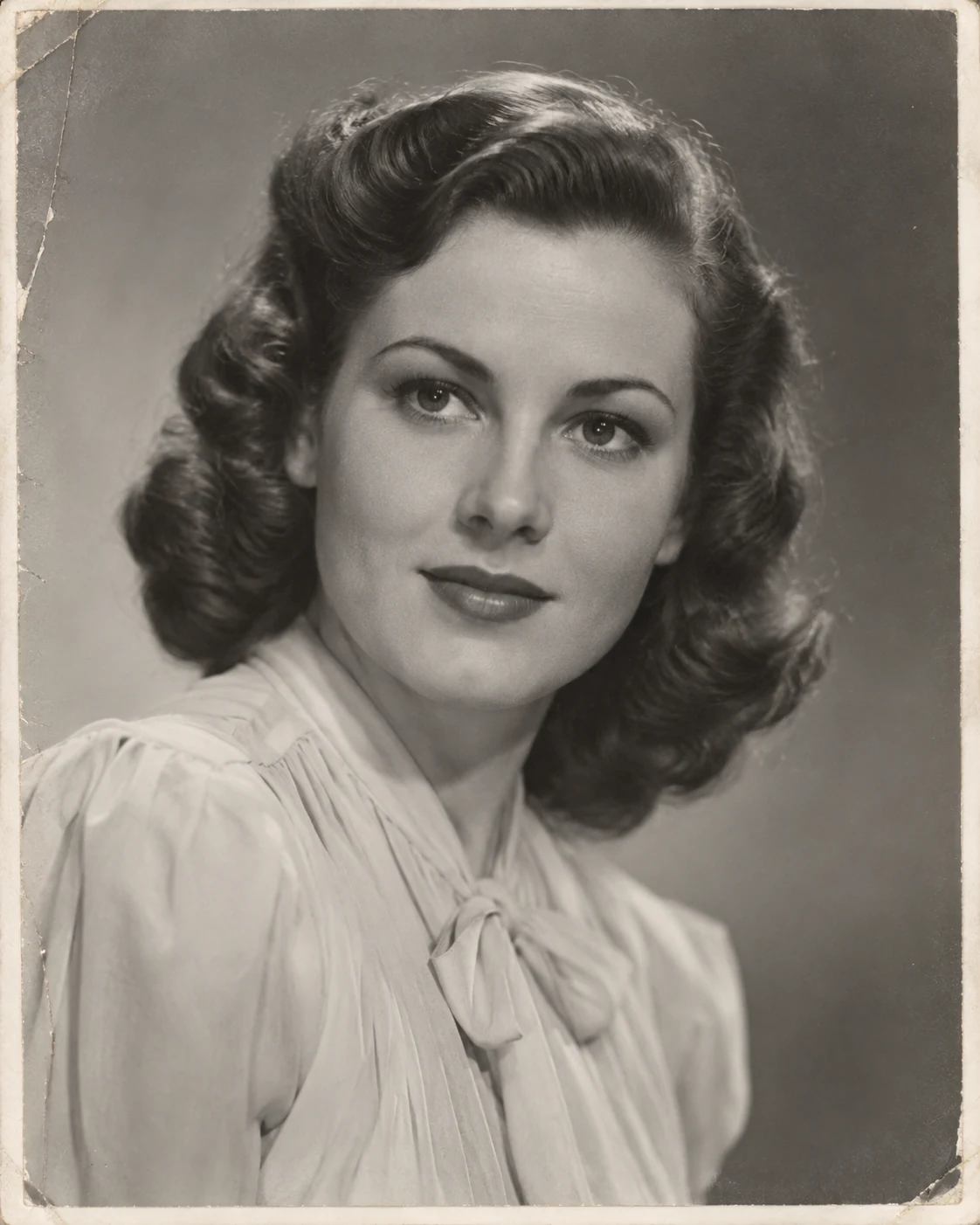
Remove scratches and creases, restore details of the old photo.
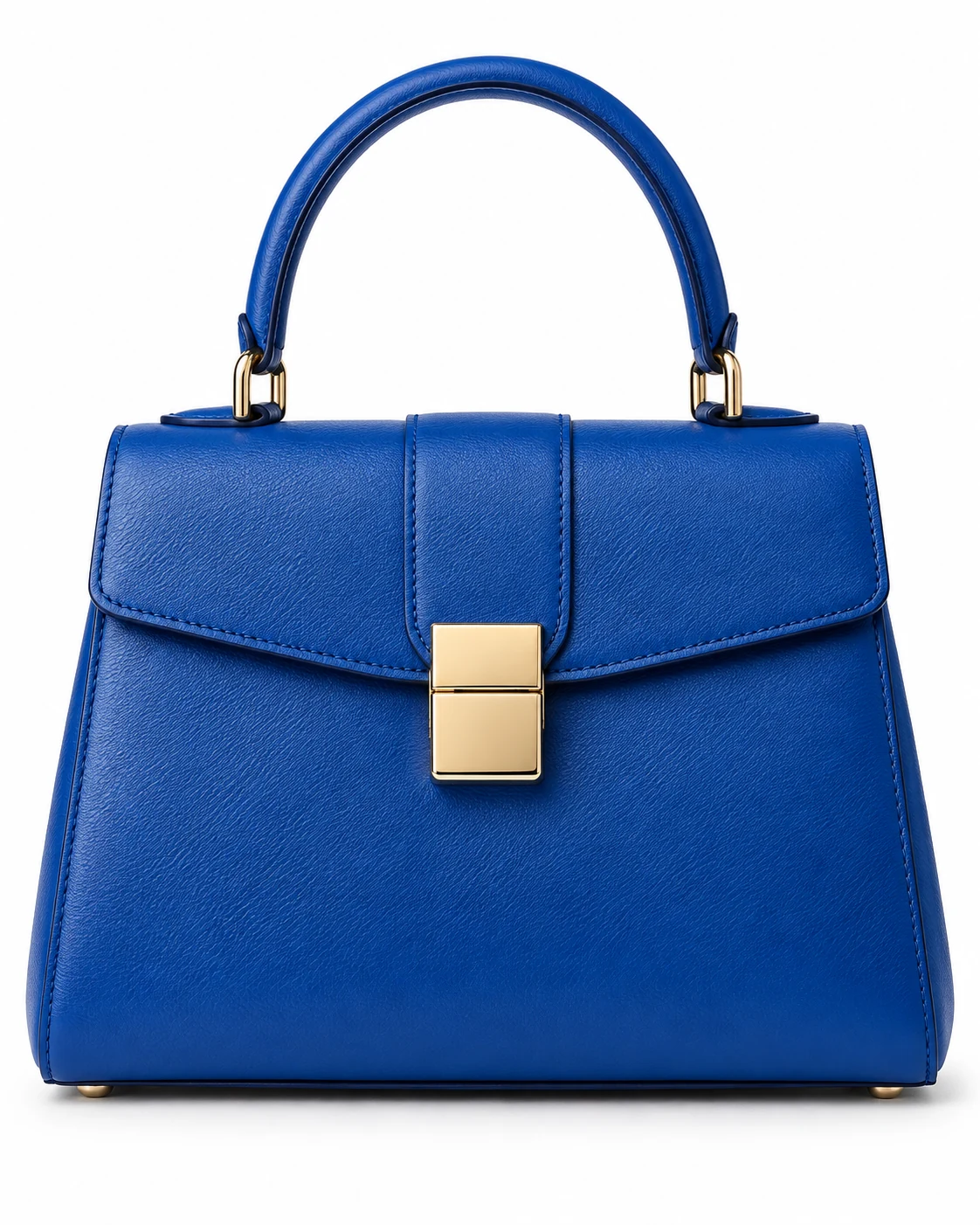
Isolate the object on a pure white background for catalog.
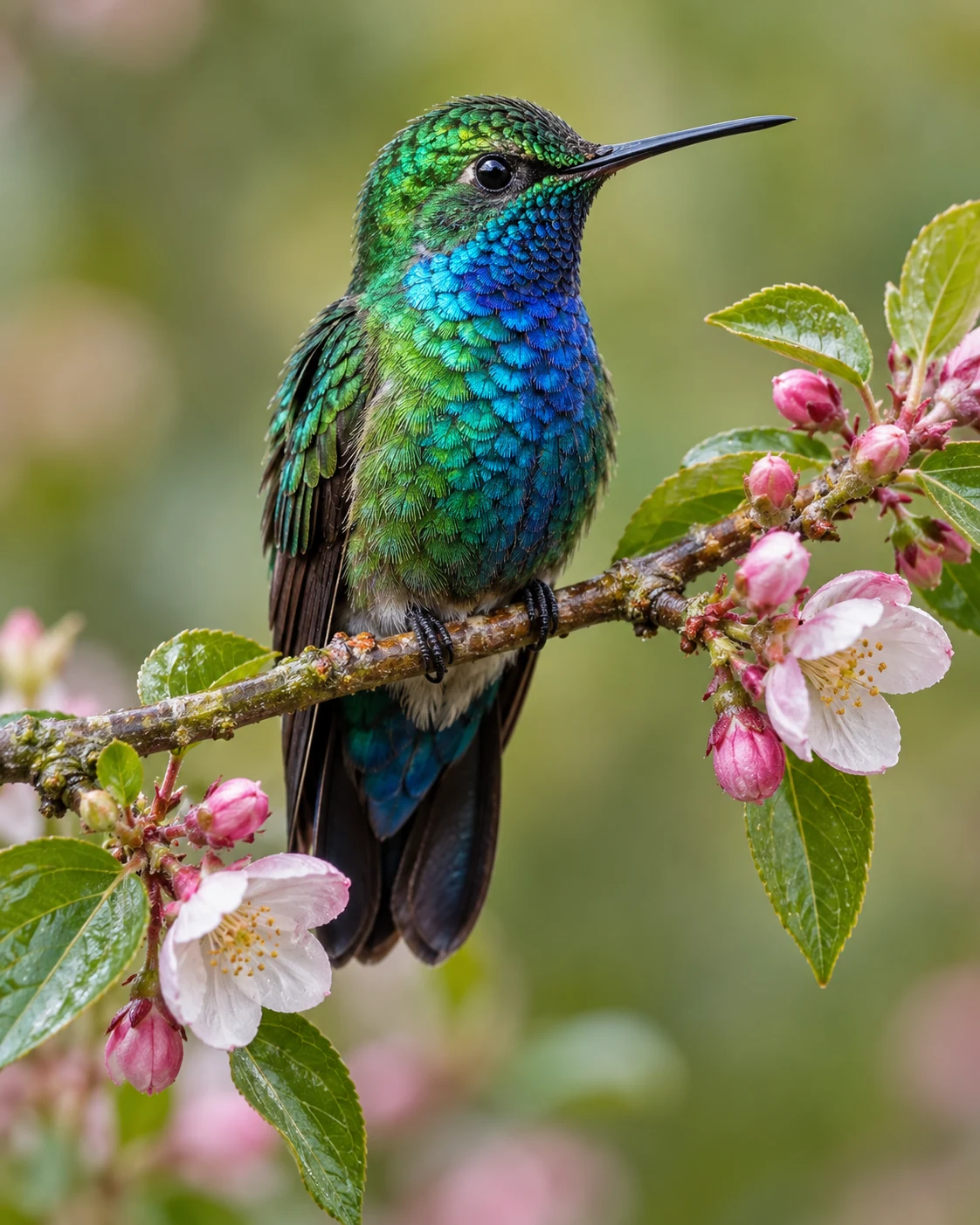
Upscale while preserving composition and details.
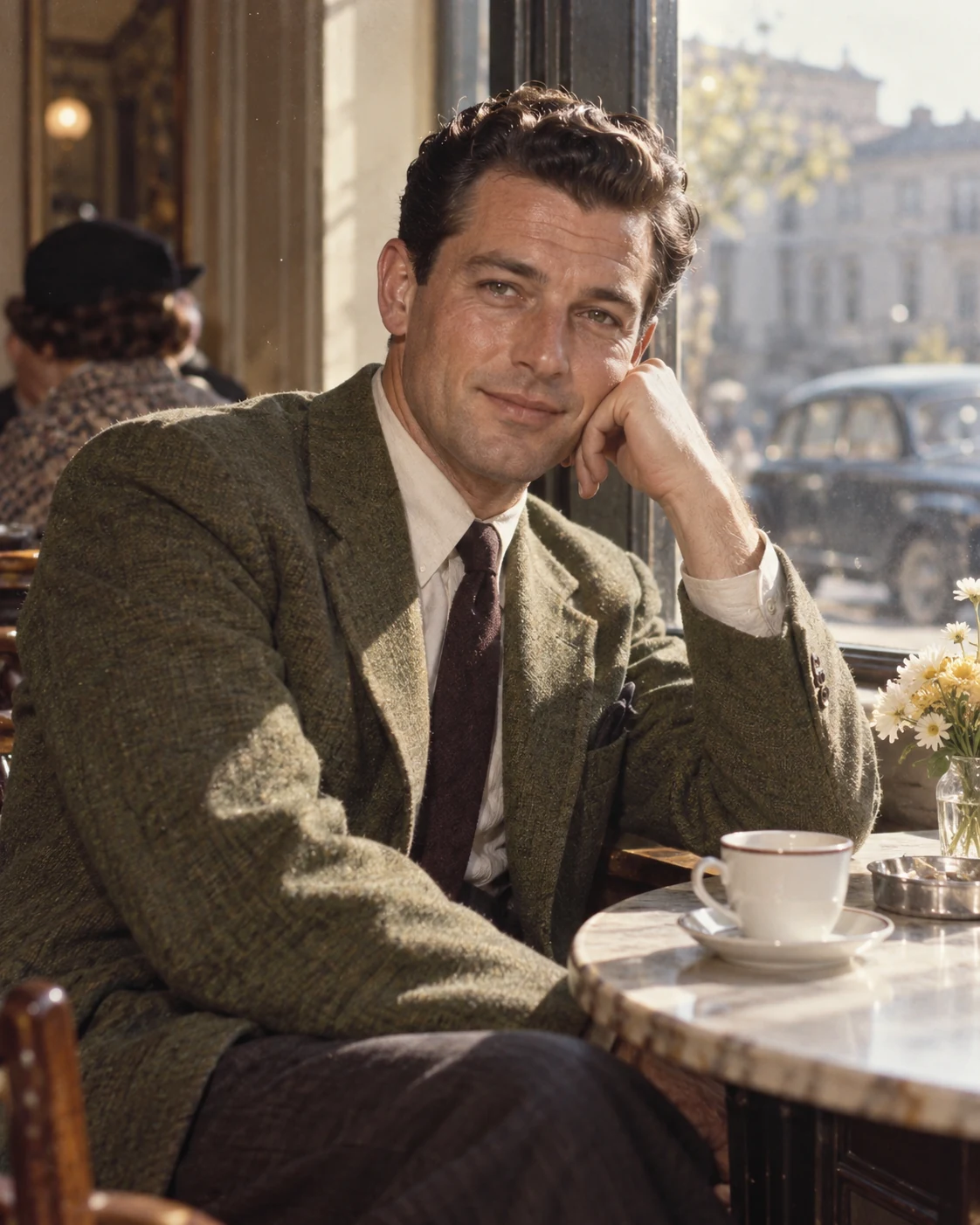
Natural colors for a black-and-white photo.
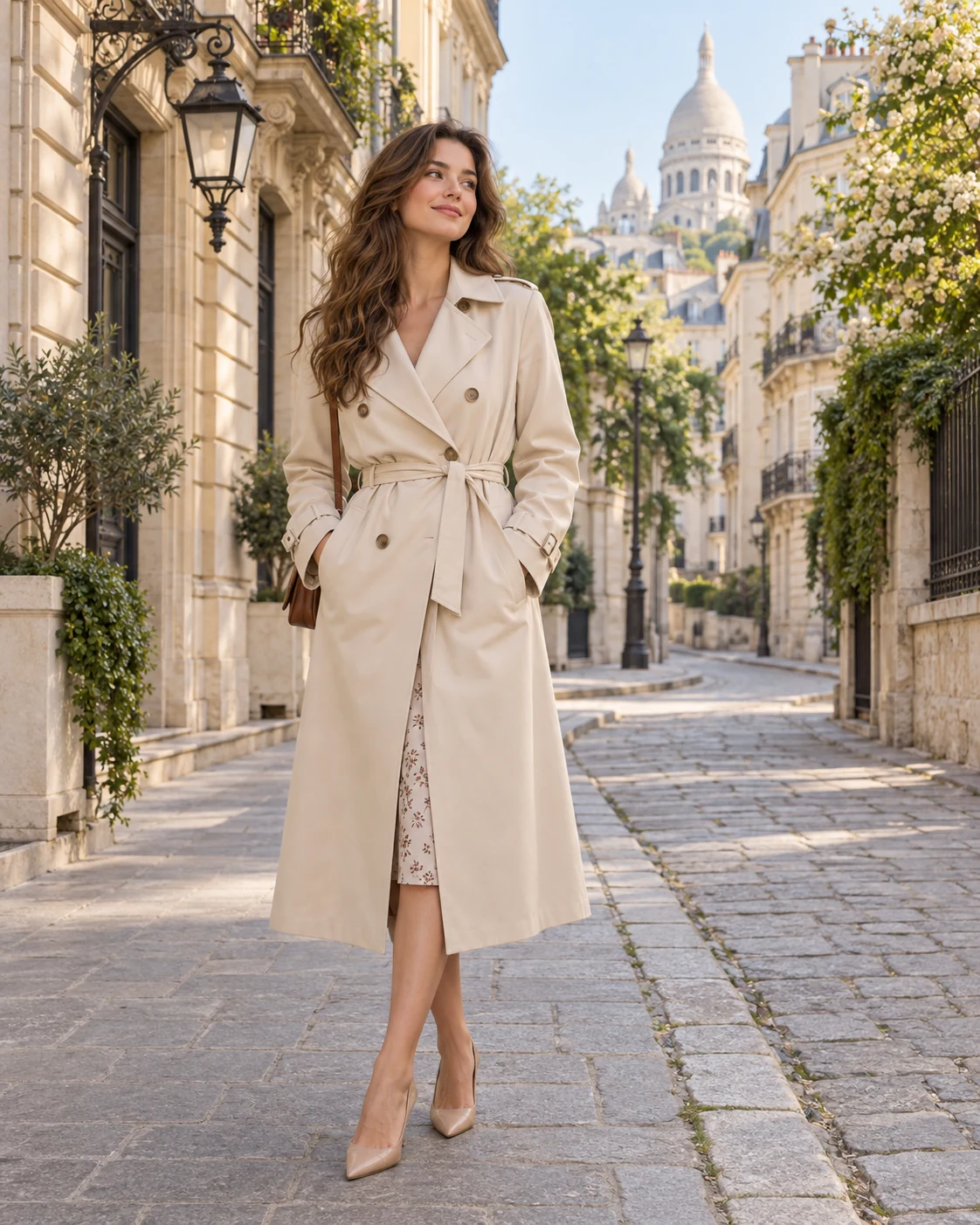
Clean the background from random people and distracting objects.
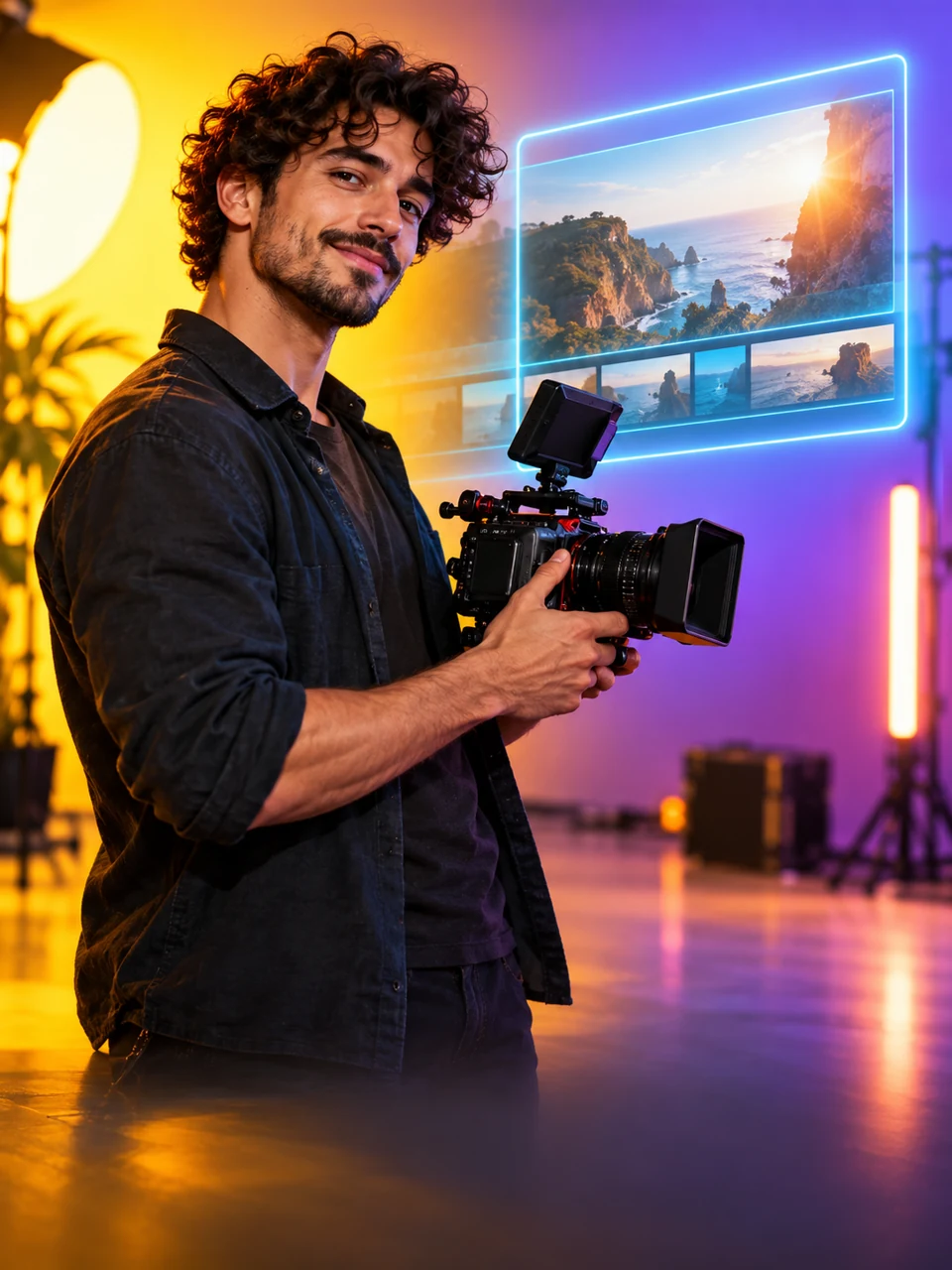
A high-contrast 16:9 cover from your photo. Add the video topic and exact headline in your brief.

Prepare a marketplace product image with a background, layout and captions based on your information.
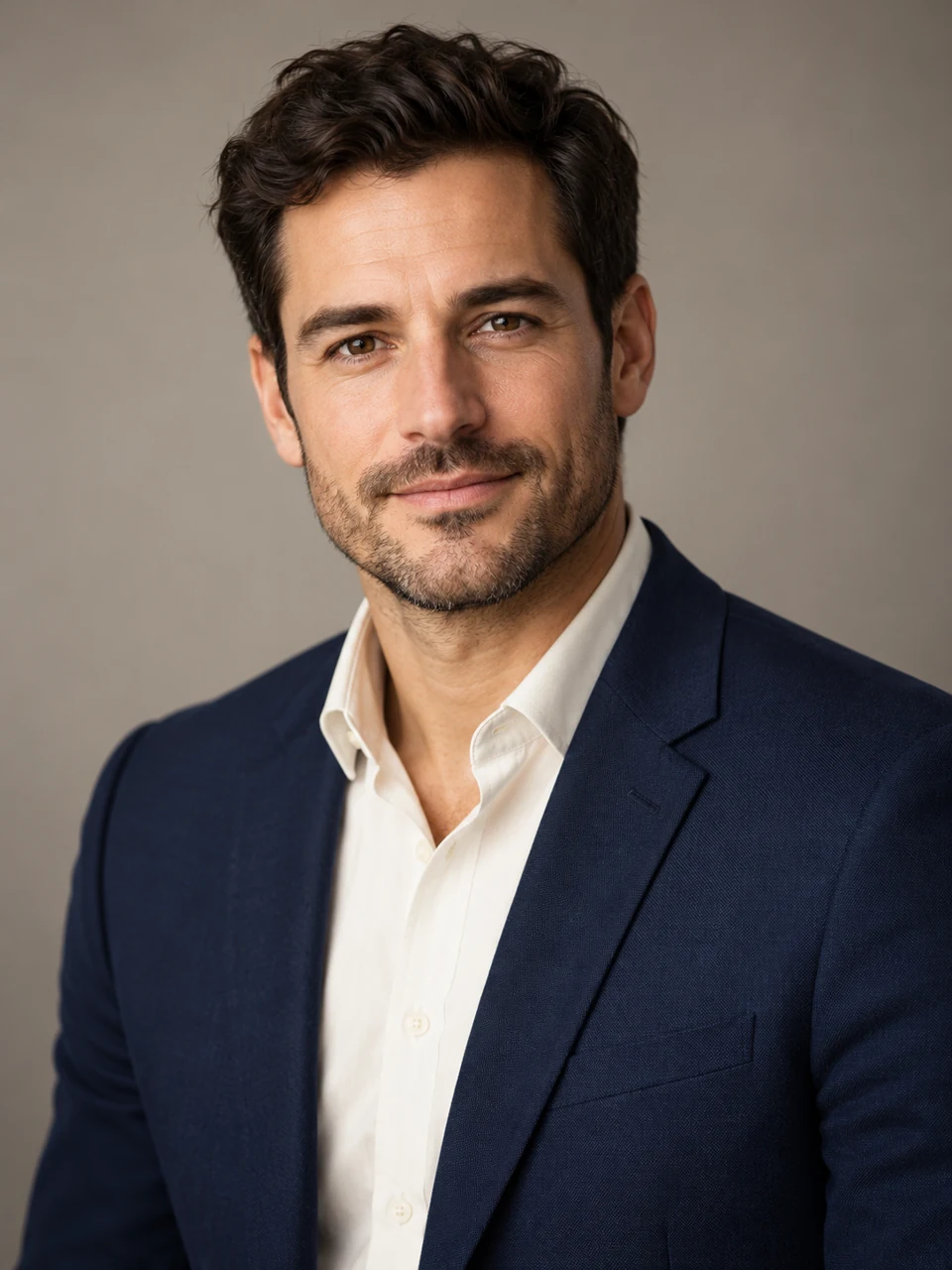
A portrait for your resume or work profile with balanced lighting and a calm background.

A square avatar with a clear silhouette that remains readable at small sizes.
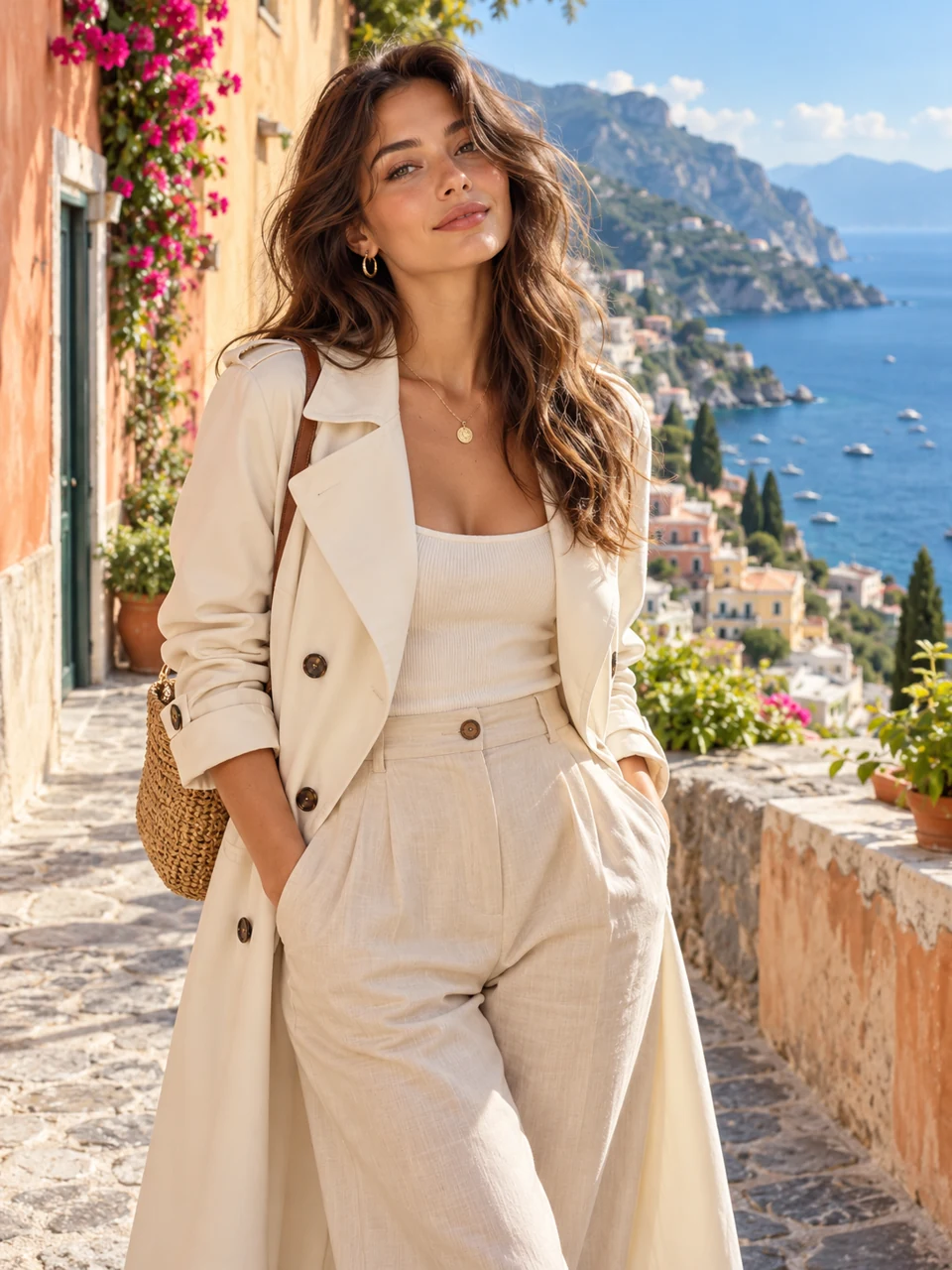
Place the main subject against a new background. Describe the setting or design you want.
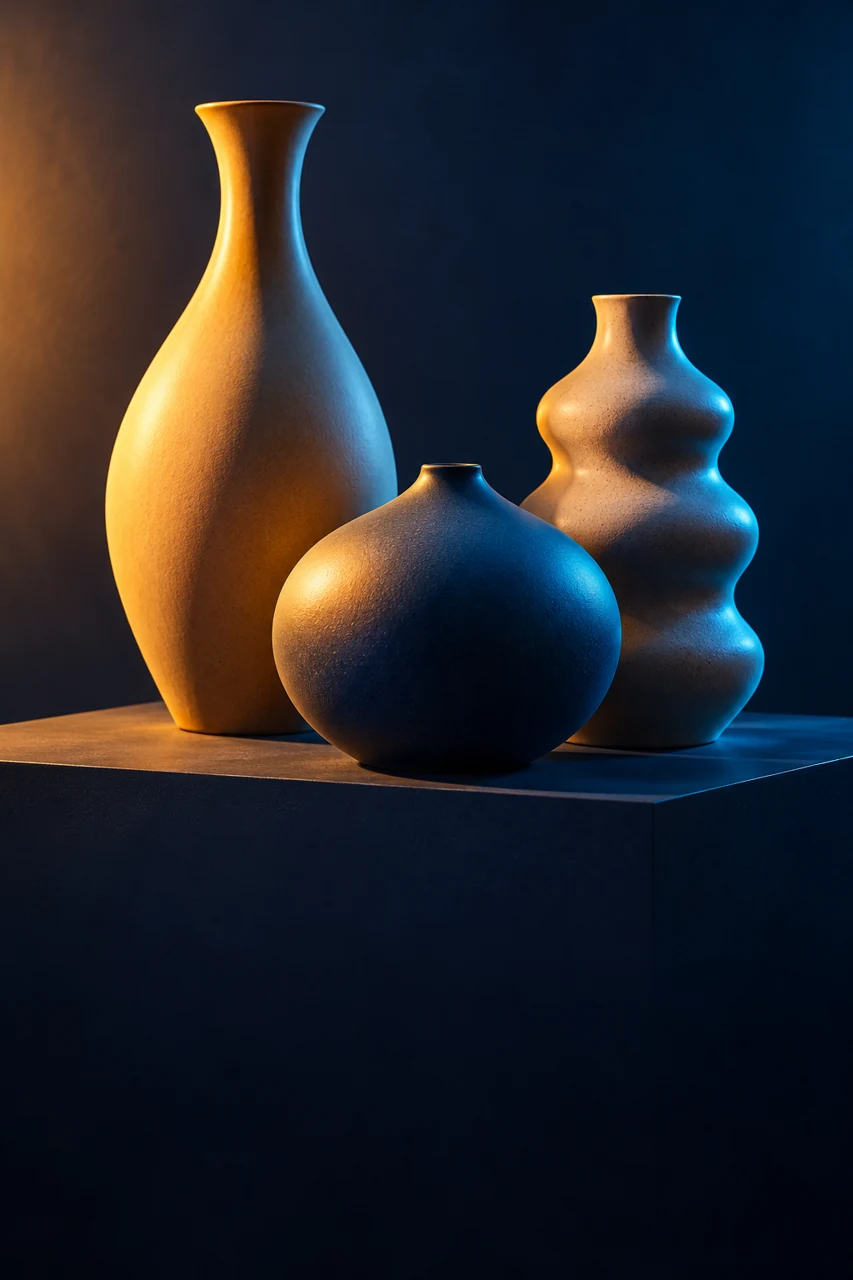
Change the lighting and colour treatment while keeping the subject and composition.
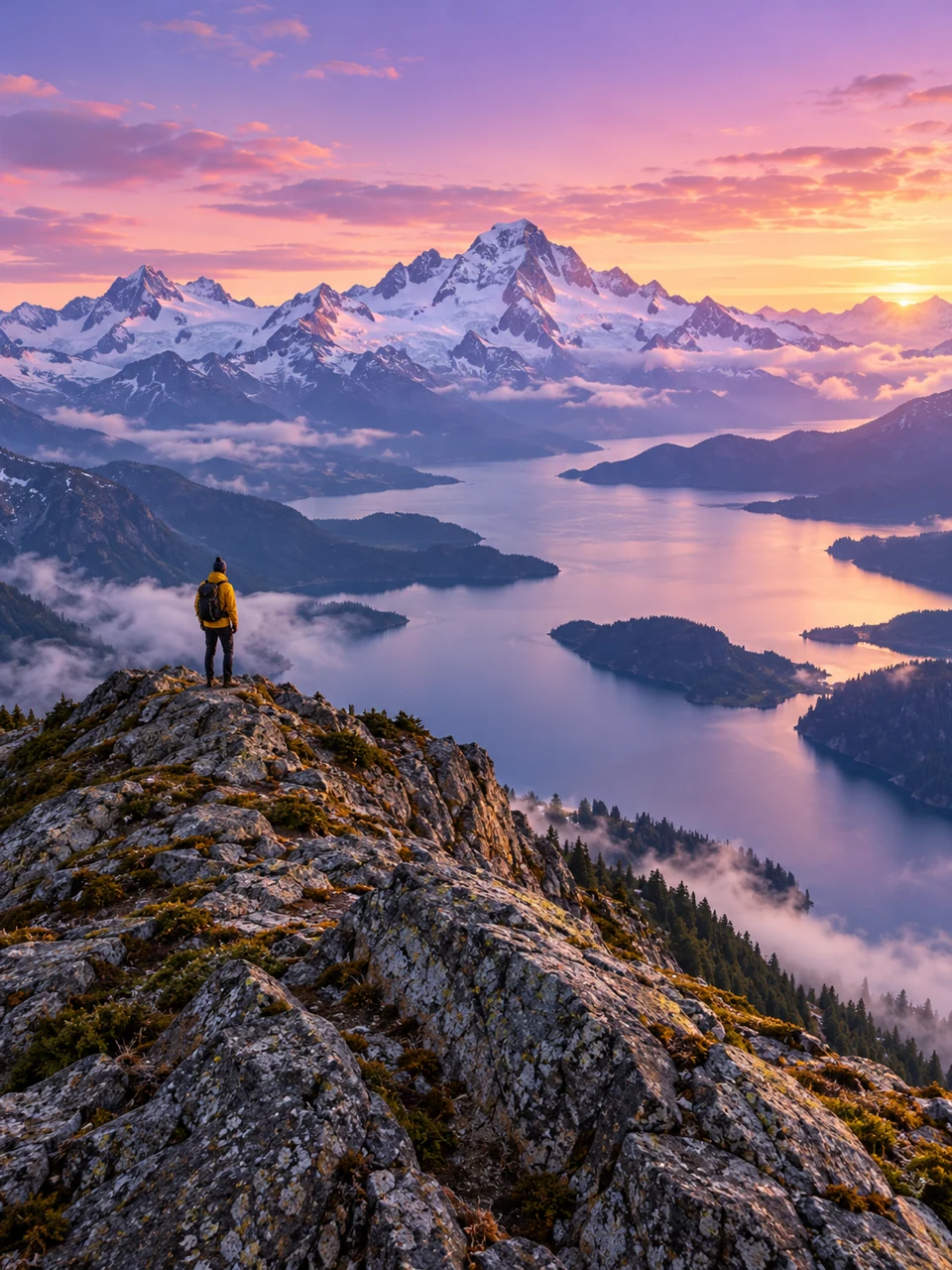
Create a 16:9 landscape frame by extending the surroundings of the original photo.
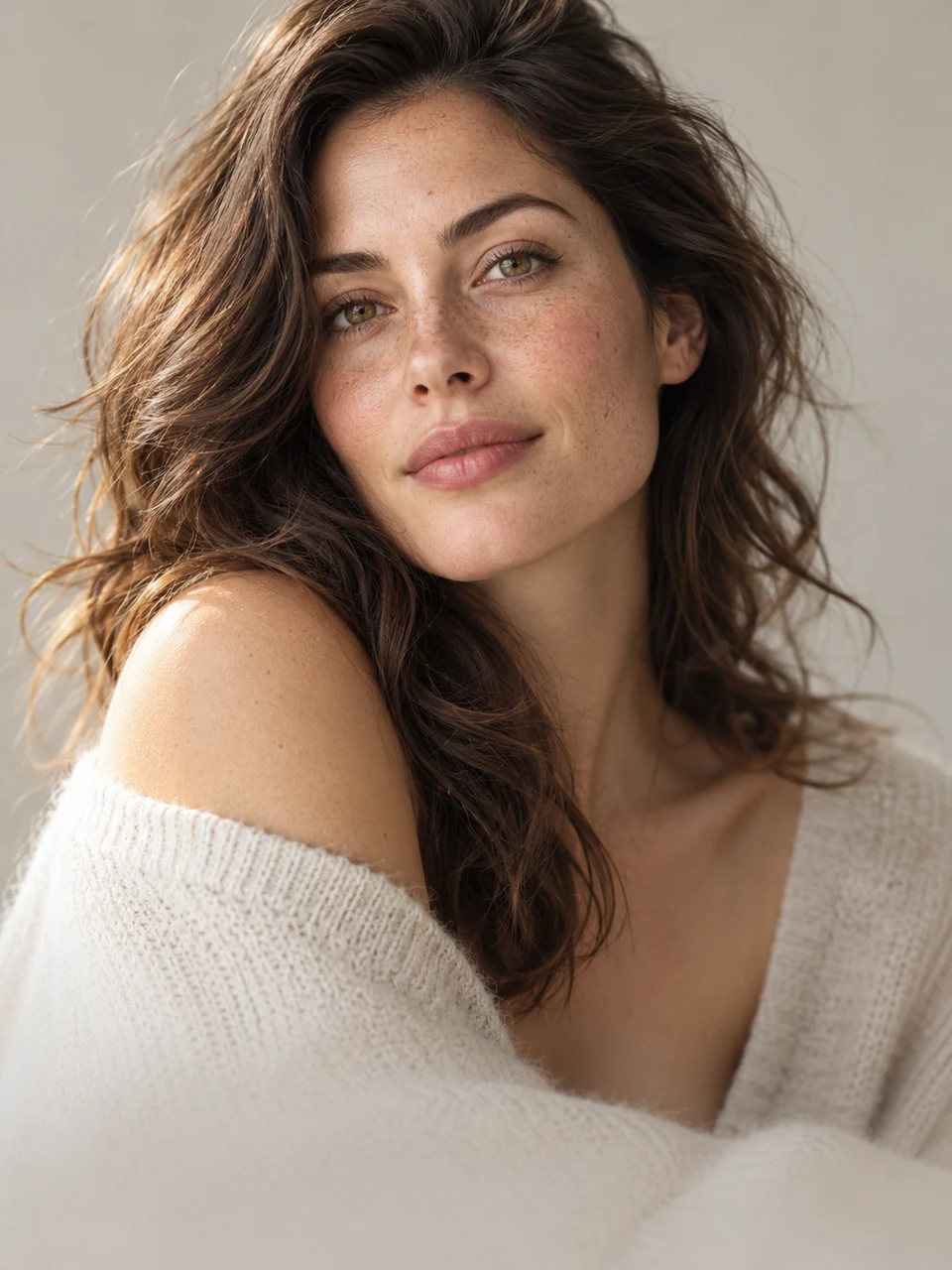
Subtle portrait editing that preserves natural skin and recognizable features.
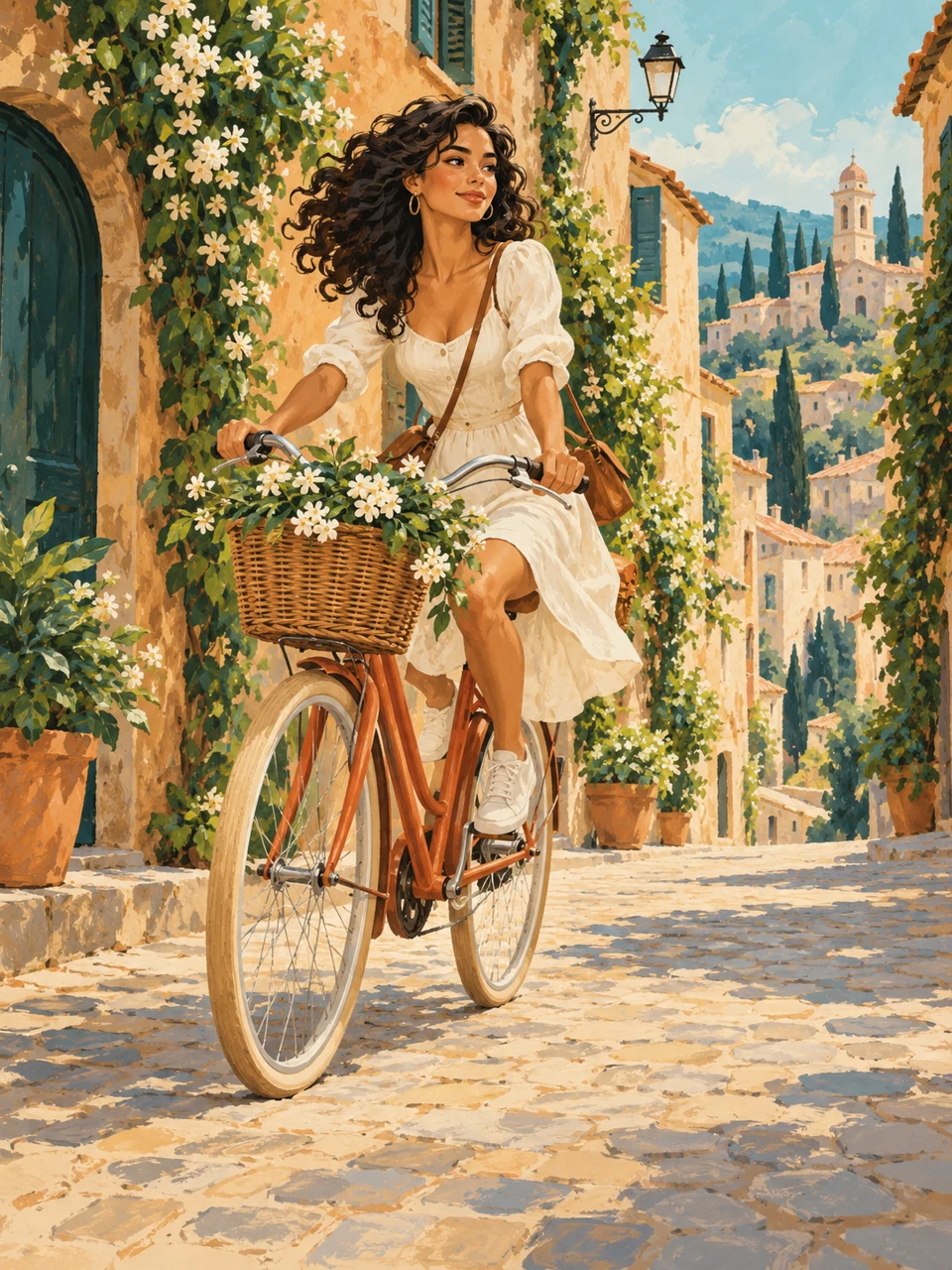
Turn a photo into an illustration while retaining the main subject and important details.

A landscape community or post cover based on your photo, topic and text.
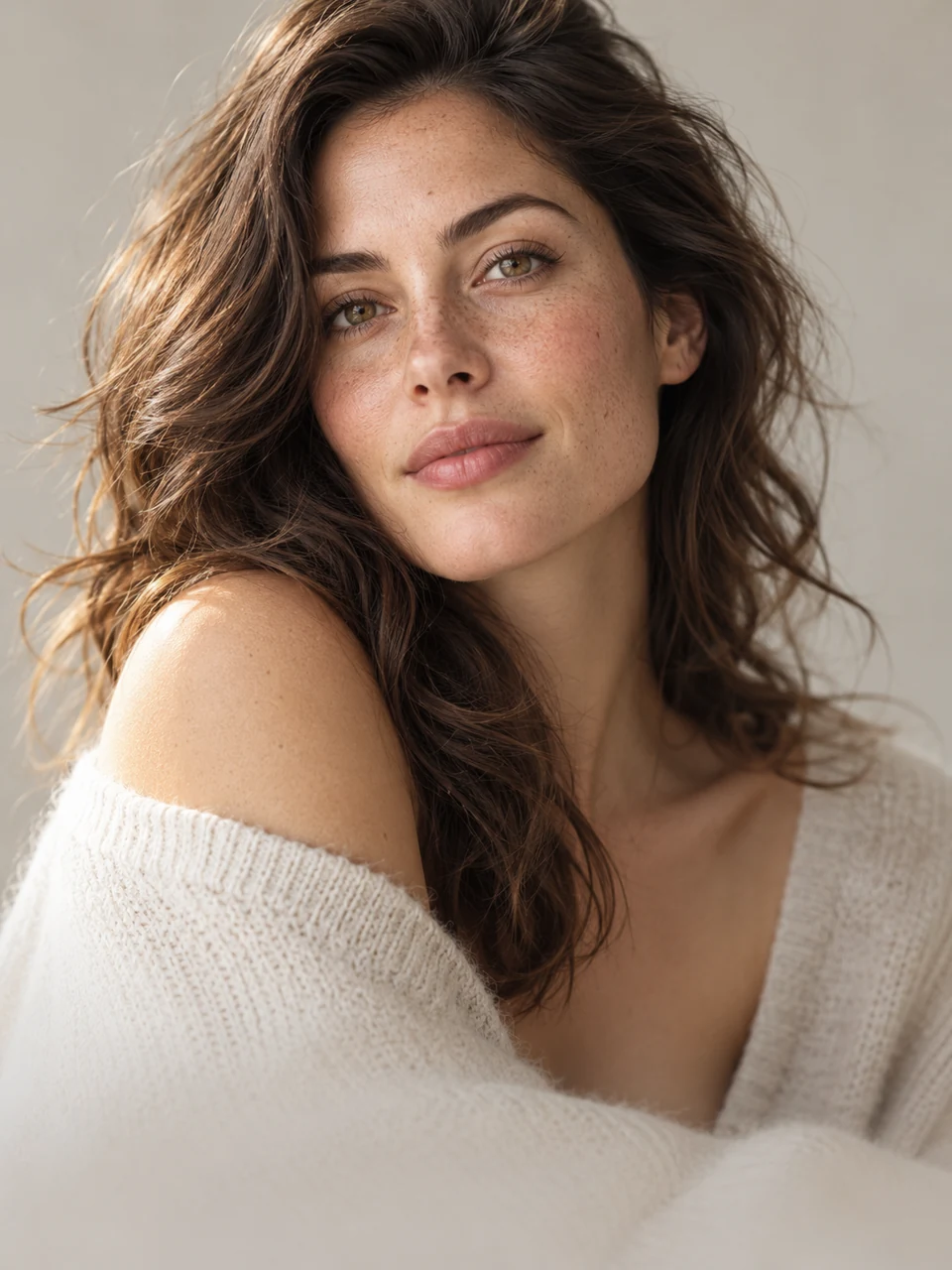
The first photo is the base; the second supplies the face. Use materials with the necessary rights and consent.
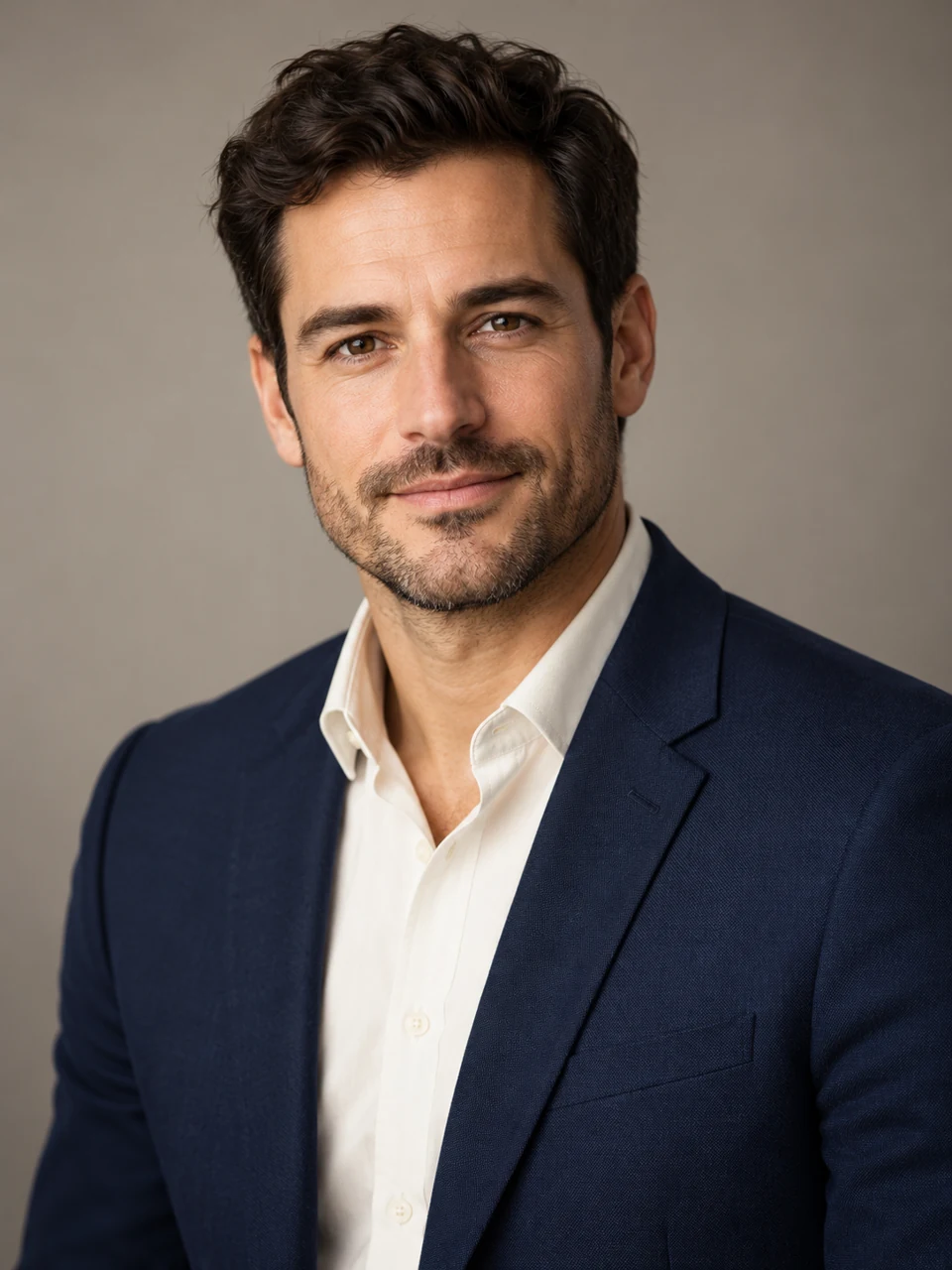
Even light, a calm expression and a plain background. This is a portrait, without a guarantee of meeting document-photo requirements.
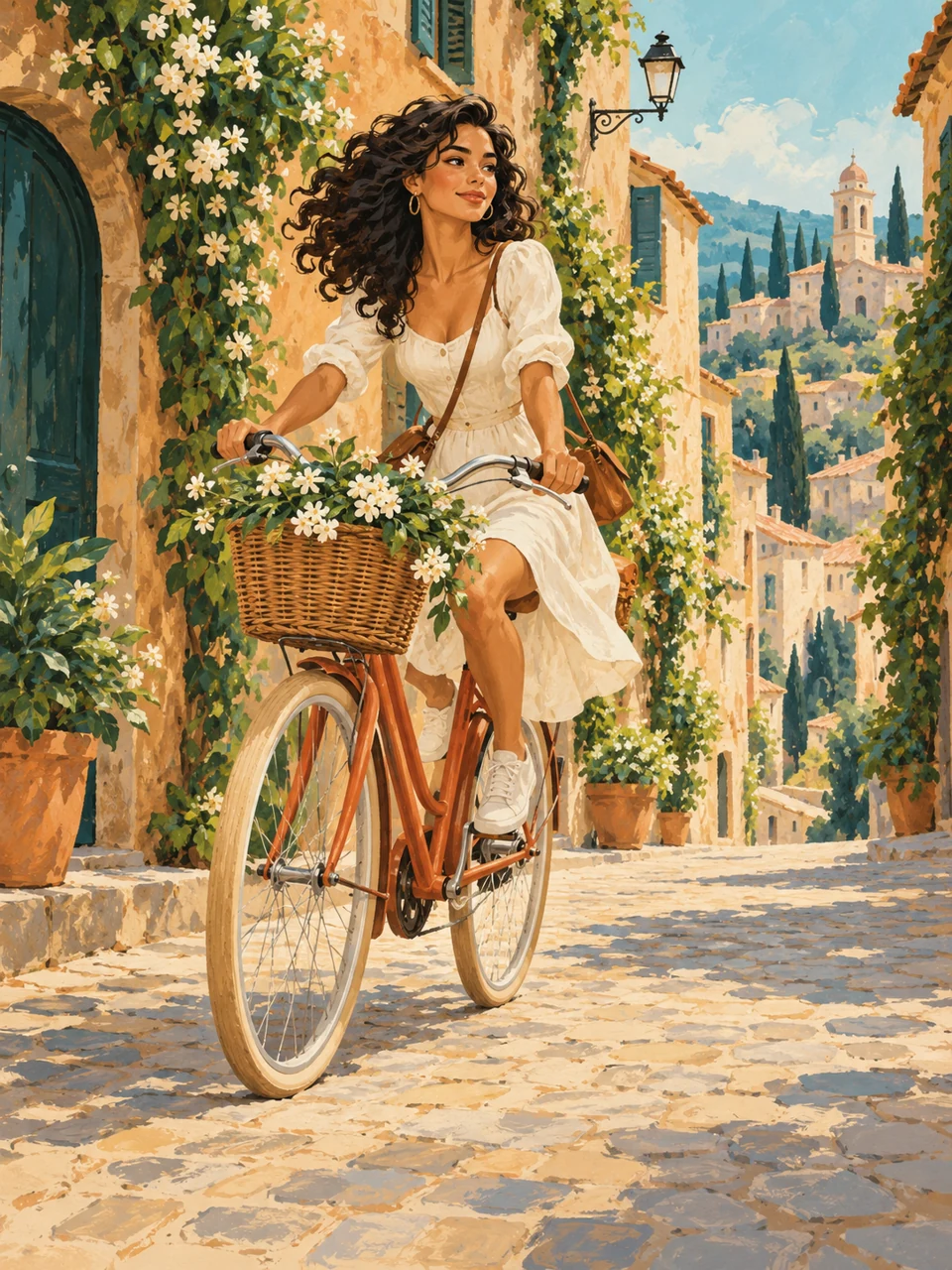
One square sheet of 9 stickers based on your character or object. Separate PNG files are not created automatically.

One sheet with four consistent views of a product. Unseen details are inferred by the model and need checking.
The camera moves back while the subject remains almost the same size, changing the perspective behind it.
A fast camera accent on the main subject, with a brief hold at the end.
A forward camera move through the scene with a sense of depth.
The camera lowers and looks up at the subject while preserving the scene.
Subtle natural camera motion for an observational shot.
A smooth horizontal camera turn that reveals the space around the subject.
A controlled tilted horizon for a tense, expressive shot.
The camera rises above the scene and gradually reveals it from above.
A smooth move away from the main subject towards a wider shot.
A slow camera move towards an important detail in the image.
A move towards the eye and back to the original scene as one visual transition.
A half-circle camera move around the subject. Details on the unseen side may differ from reality.