
Tools
Advanced studios
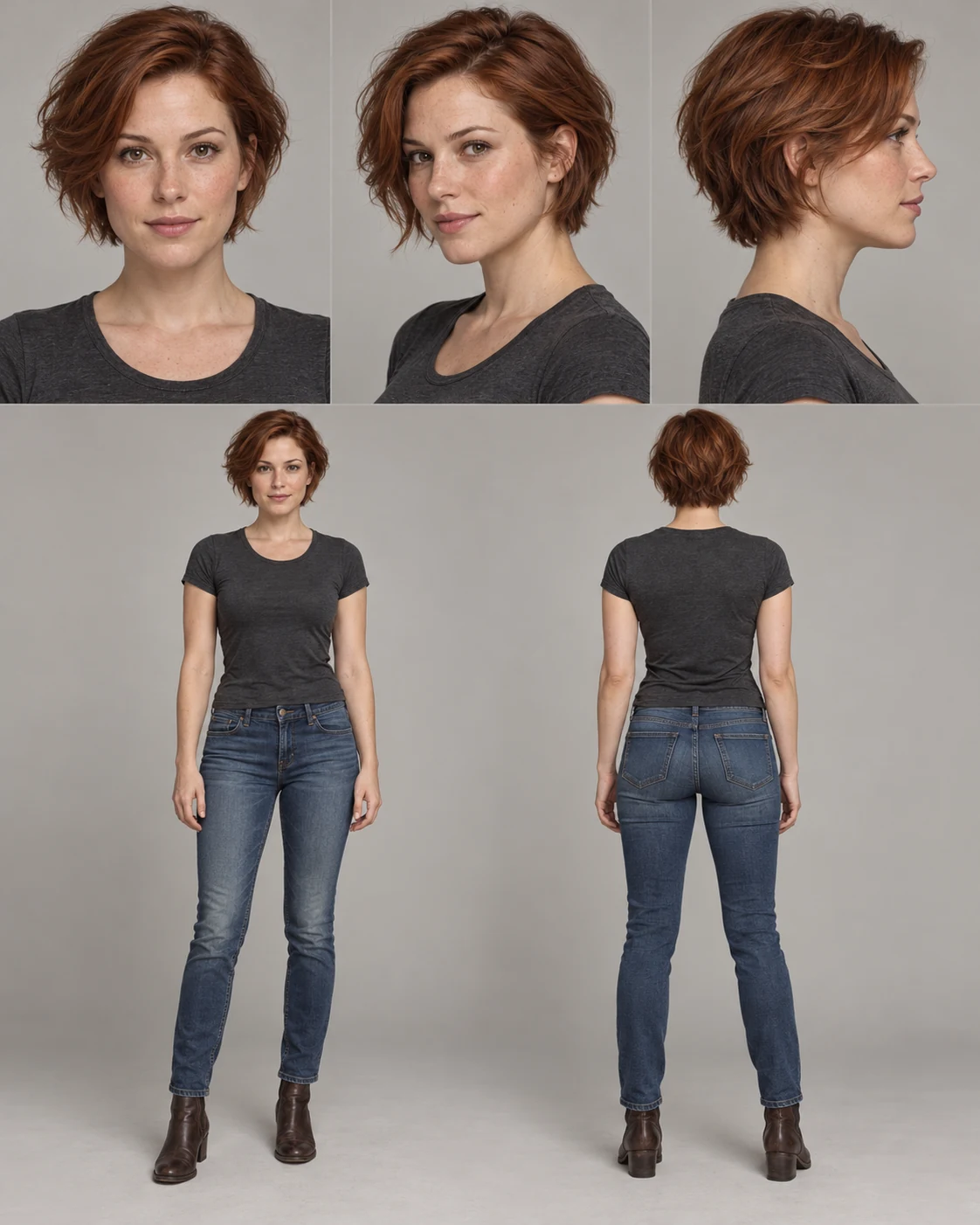 Character SheetFace angles, full body, and image details for sequential generations.Open tool ↗
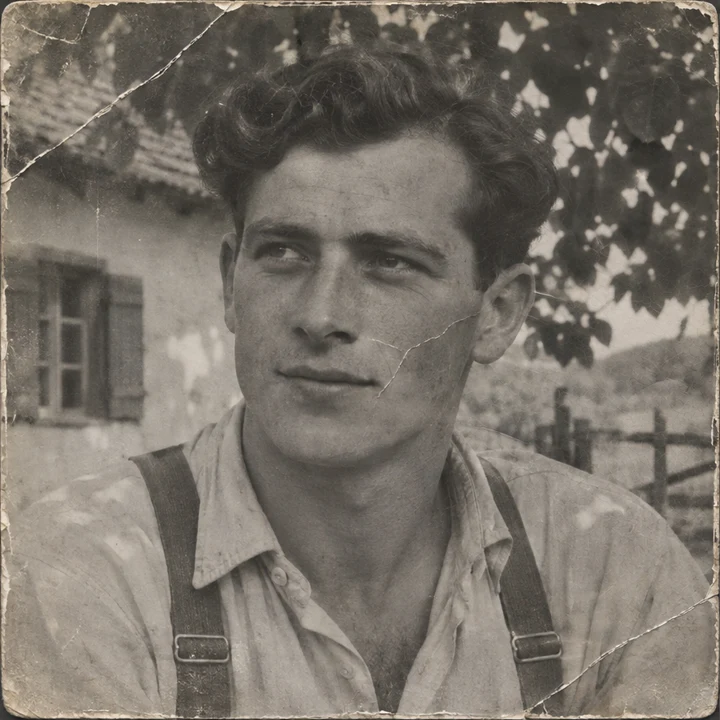 Restore and Colorize a PhotoUse this template as a starting point for your image.Open tool ↗
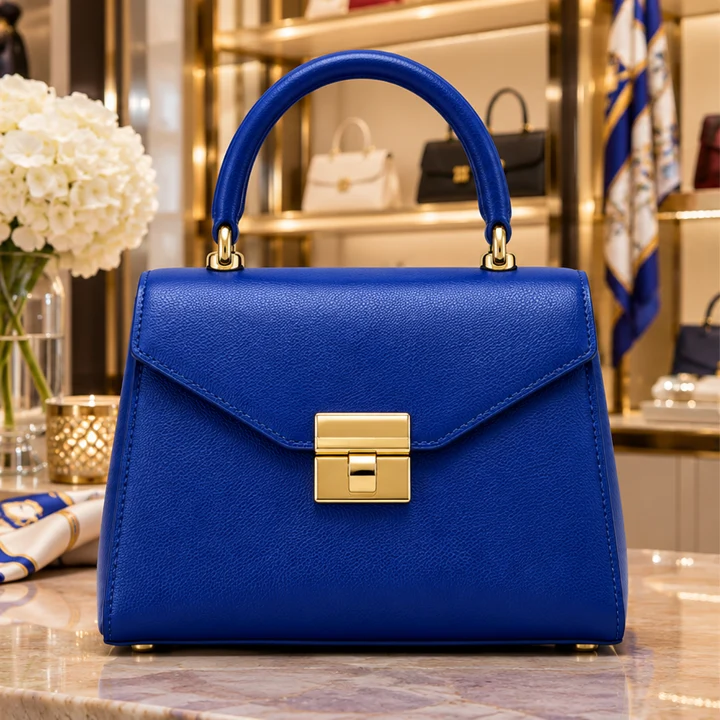 Remove BackgroundIsolate the object on a pure white background for catalog.Open tool ↗
 Image UpscaleUse this template as a starting point for your image.Open tool ↗
 Remove Unwanted ObjectsClean the background from random people and distracting objects.Open tool ↗
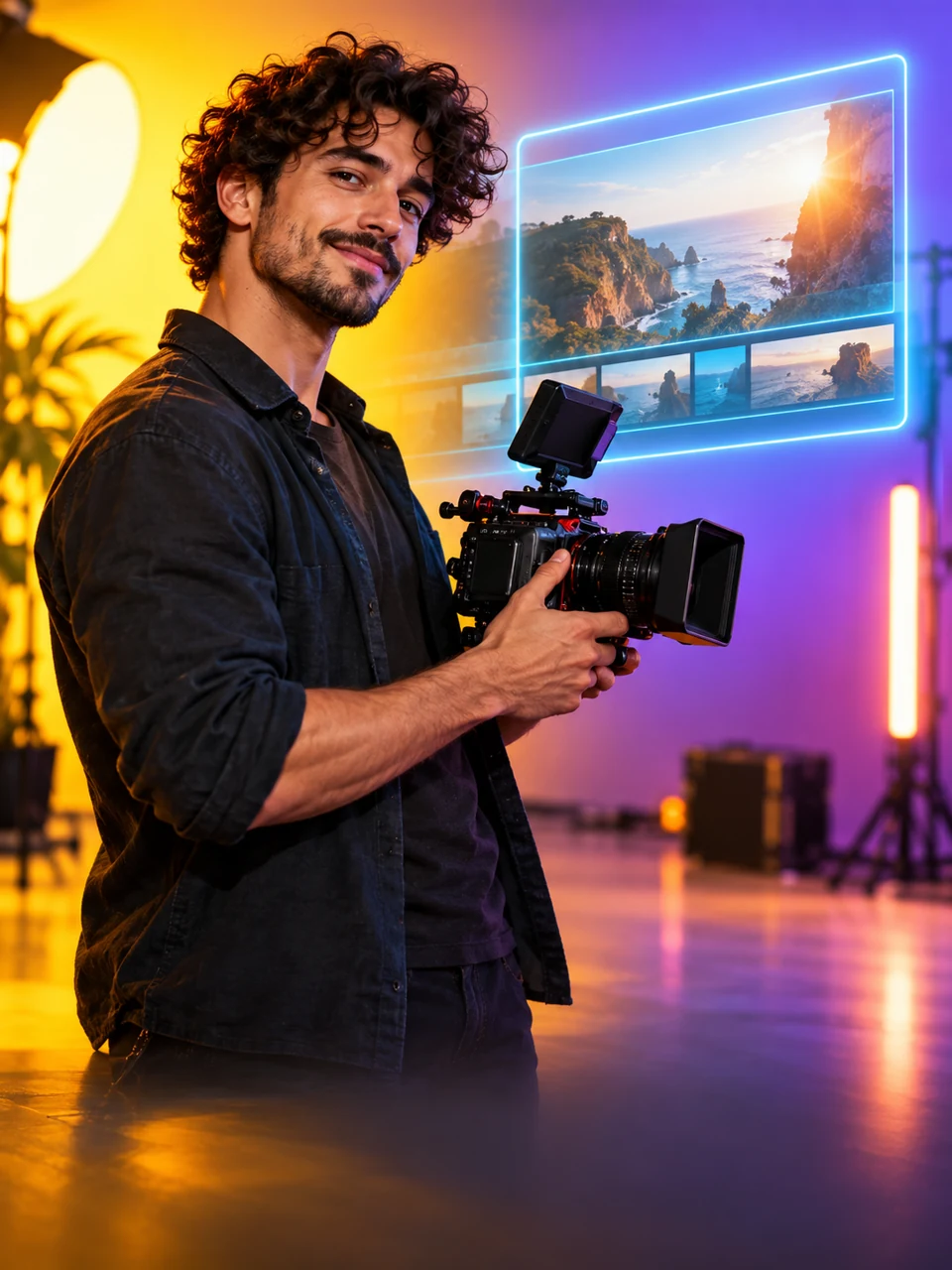 YouTube ThumbnailMake a high-contrast 16:9 thumbnail from your photo. Include the video topic and exact headline in your brief.Open tool ↗
 Product Listing ImagePrepare a marketplace product photo with a background, composition, and captions based on your product details.Open tool ↗
 Business PortraitCreate a professional headshot for your résumé or work profile with soft lighting and a neutral background.Open tool ↗
 Social Media AvatarCreate a square profile picture with a clear silhouette that reads well at small sizes.Open tool ↗
 Replace the BackgroundPlace the subject in a new setting. Describe the location or background you want.Open tool ↗
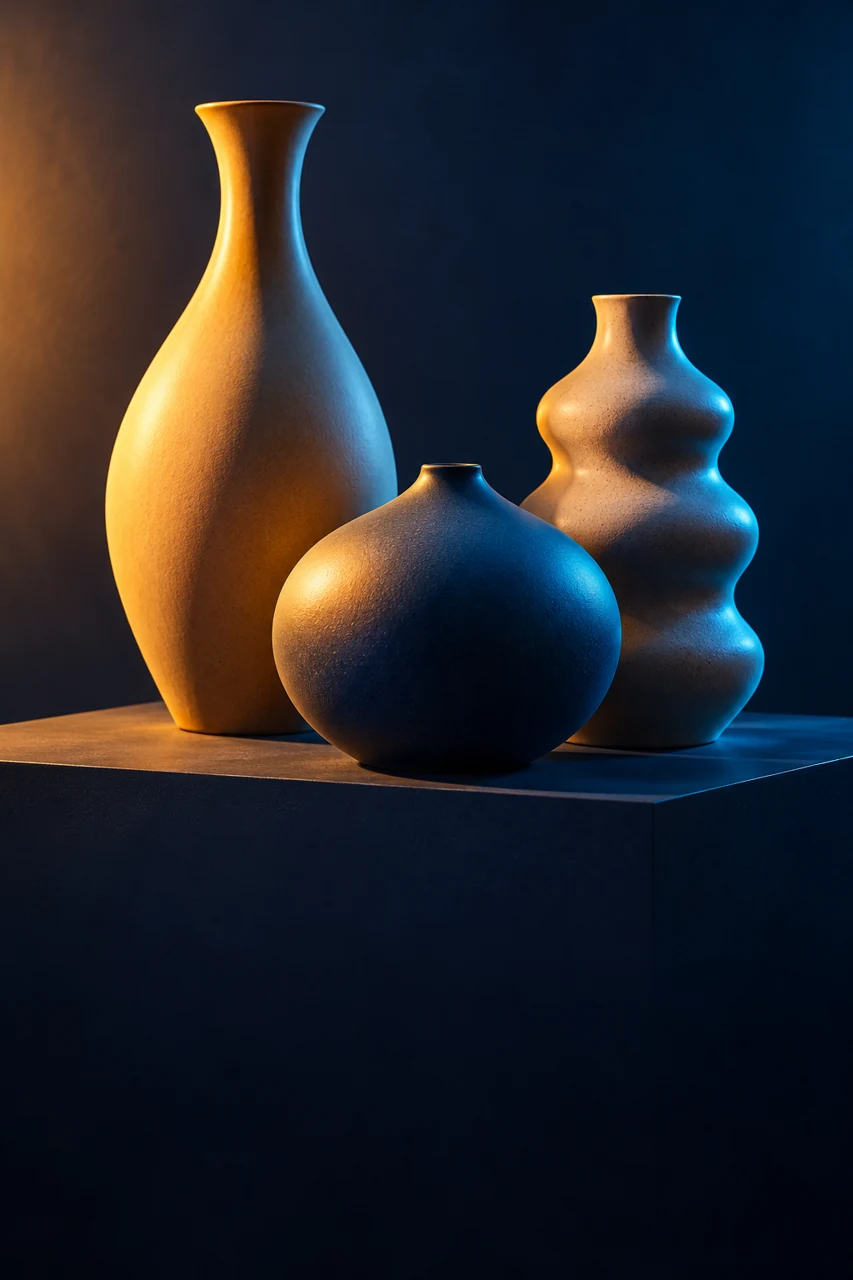 Studio LightingChange the lighting and colors in your photo while preserving the subject and composition.Open tool ↗
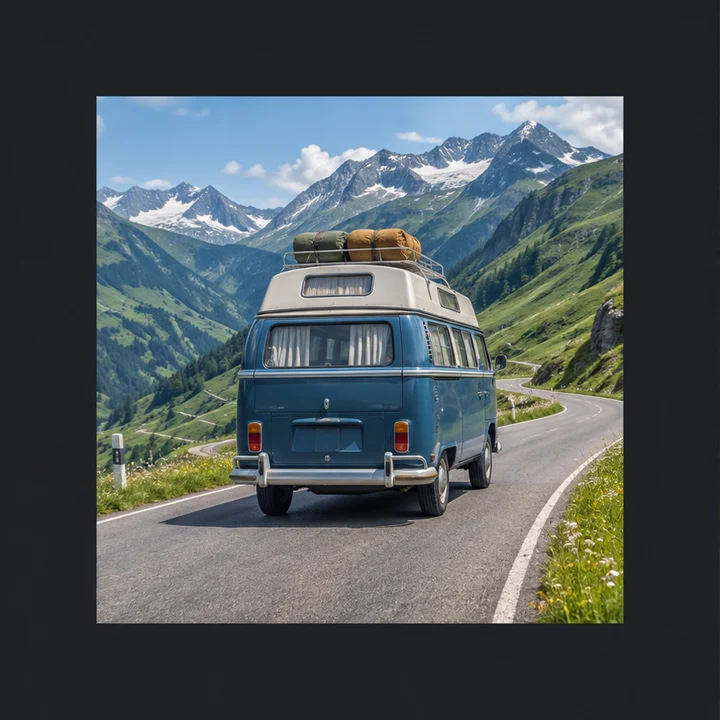 Outpaint an ImageExtend the area around your original photo to create a landscape 16:9 image.Open tool ↗
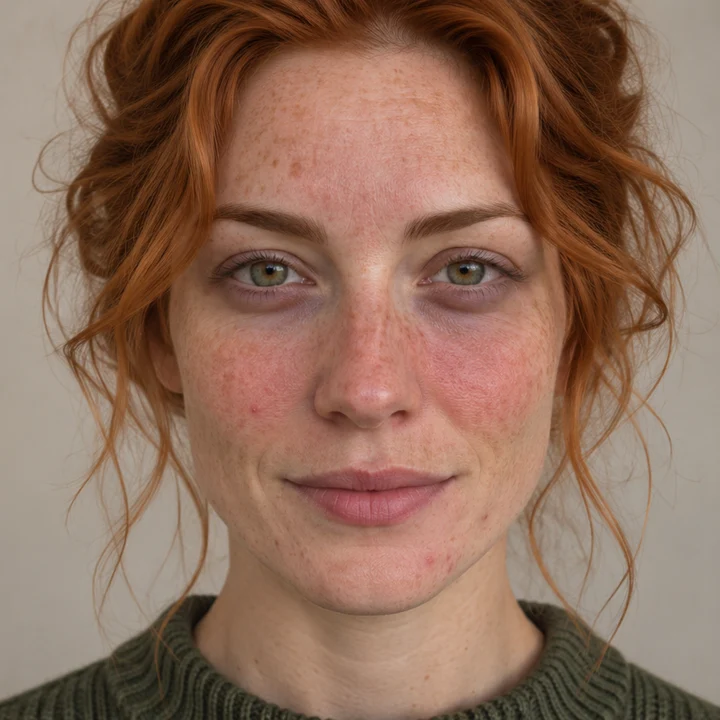 Gentle RetouchRetouch a portrait with a light touch that preserves natural skin texture and facial features.Open tool ↗
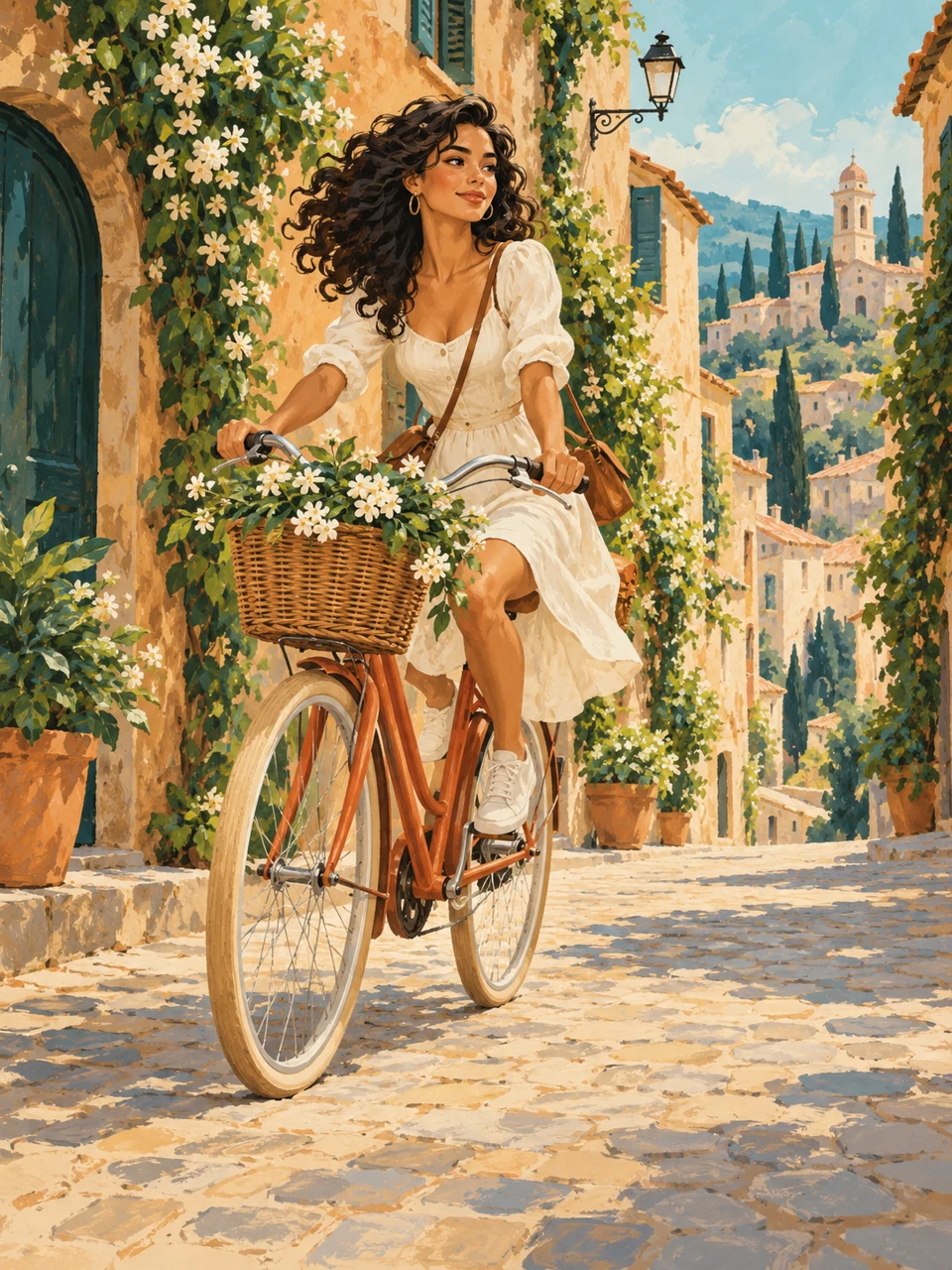 Photo to IllustrationTurn a photo into an illustration while retaining the main subject and important details.Open tool ↗
 Social Media CoverCreate a landscape cover for a community or post using your photo, theme, and copy.Open tool ↗
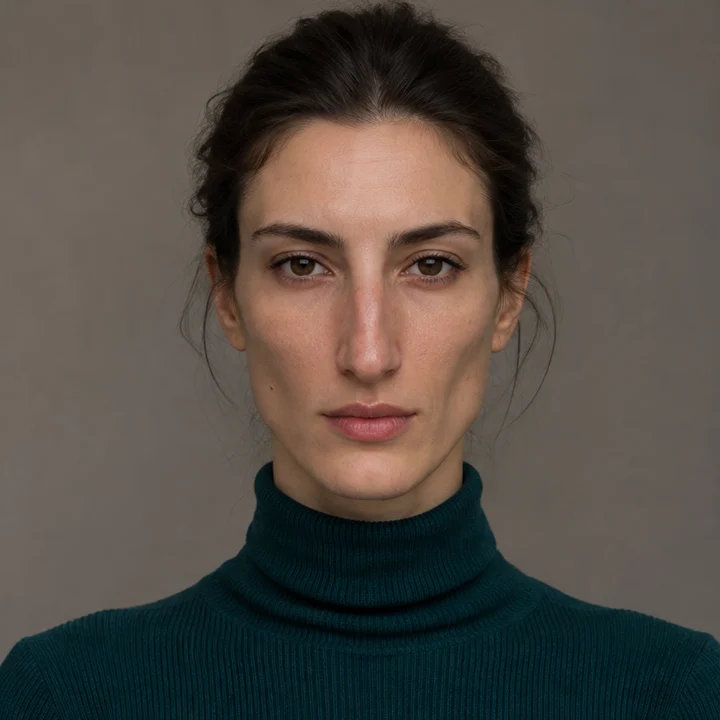 Face SwapThe first photo is the base; the second supplies the face. Use materials with the necessary rights and consent.Open tool ↗
 Portrait on a Light BackgroundEven light, a calm expression and a plain background. This is a portrait, without a guarantee of meeting document-photo requirements.Open tool ↗
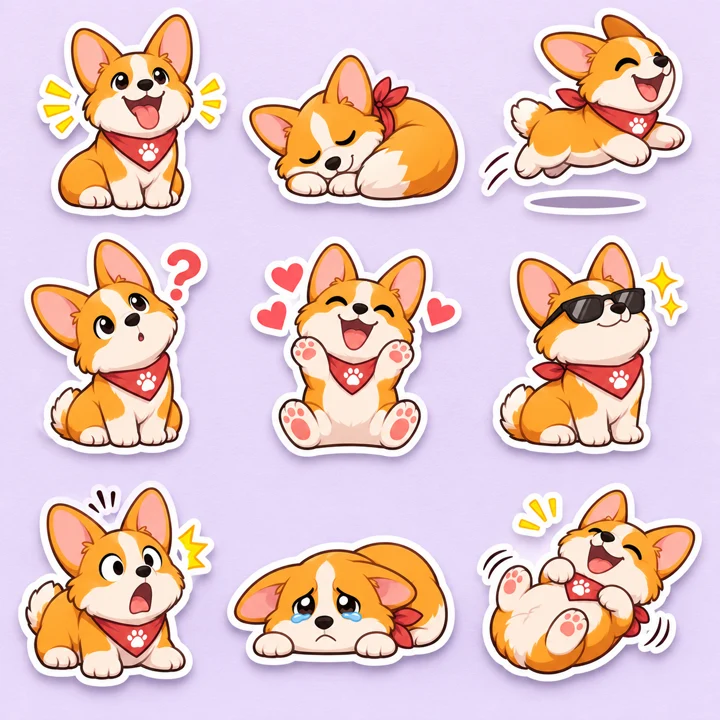 Sticker SheetOne square sheet of 9 stickers based on your character or object. Separate PNG files are not created automatically.Open tool ↗
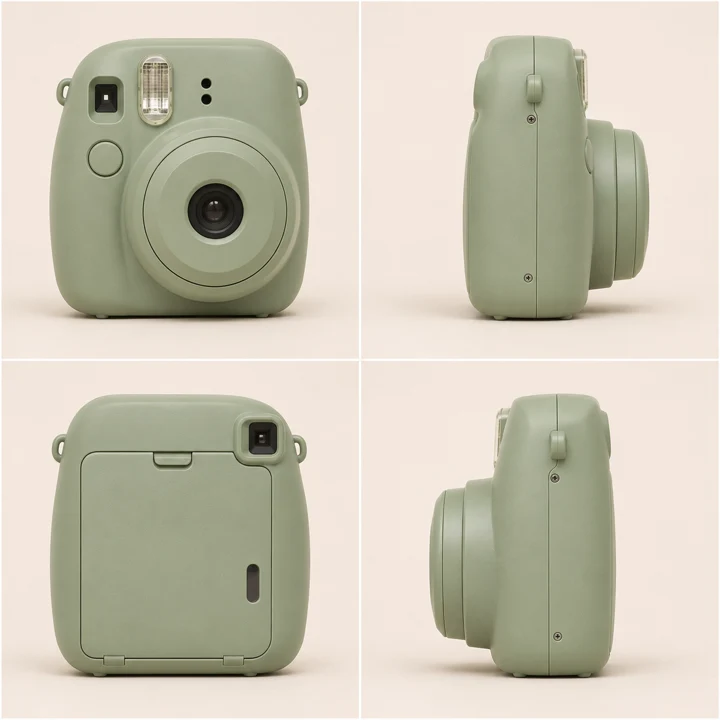 Product from Four AnglesOne sheet with four consistent views of a product. Unseen details are inferred by the model and need checking.Open tool ↗
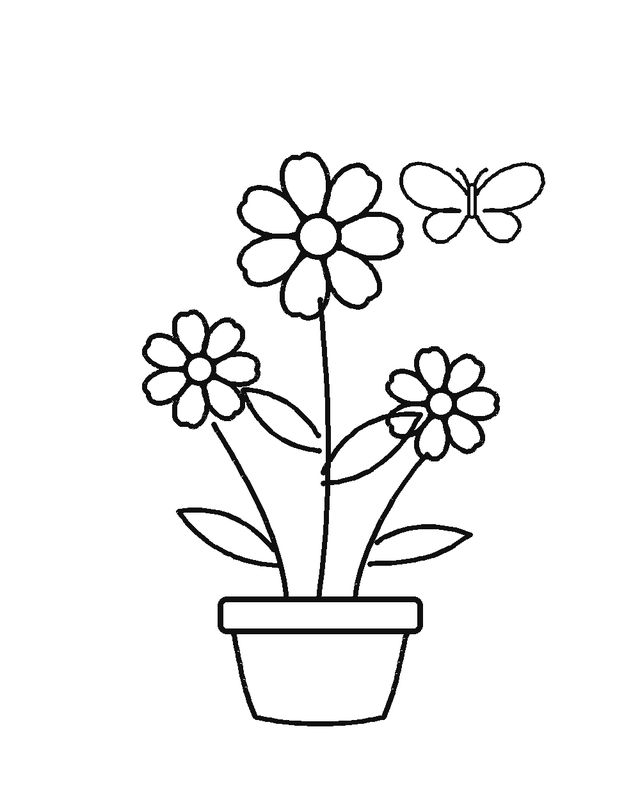 Coloring Page from a PhotoUse this template as a starting point for your image.Open tool ↗Animate a PhotoUse this ready-made setup for your video.Open tool ↗Animate a Photo · Living PortraitUse this ready-made setup for your video.Open tool ↗Animate a Photo · Living Portrait ProUse this ready-made setup for your video.Open tool ↗Animate a Photo · Wind in a LandscapeUse this ready-made setup for your video.Open tool ↗Animate a Photo · Wind in a Landscape ProUse this ready-made setup for your video.Open tool ↗Animate a Photo · Product in MotionUse this ready-made setup for your video.Open tool ↗Animate a Photo · Product in Motion ProUse this ready-made setup for your video.Open tool ↗