GPT Images 2.6: faster generation, GIFs, SVG and markup-guided edits
OpenAI’s November 4 release adds 50% faster generation, animation from still images and API controls. We compare 2.5 token rates and explain why uploaded animated GIFs cannot be edited.
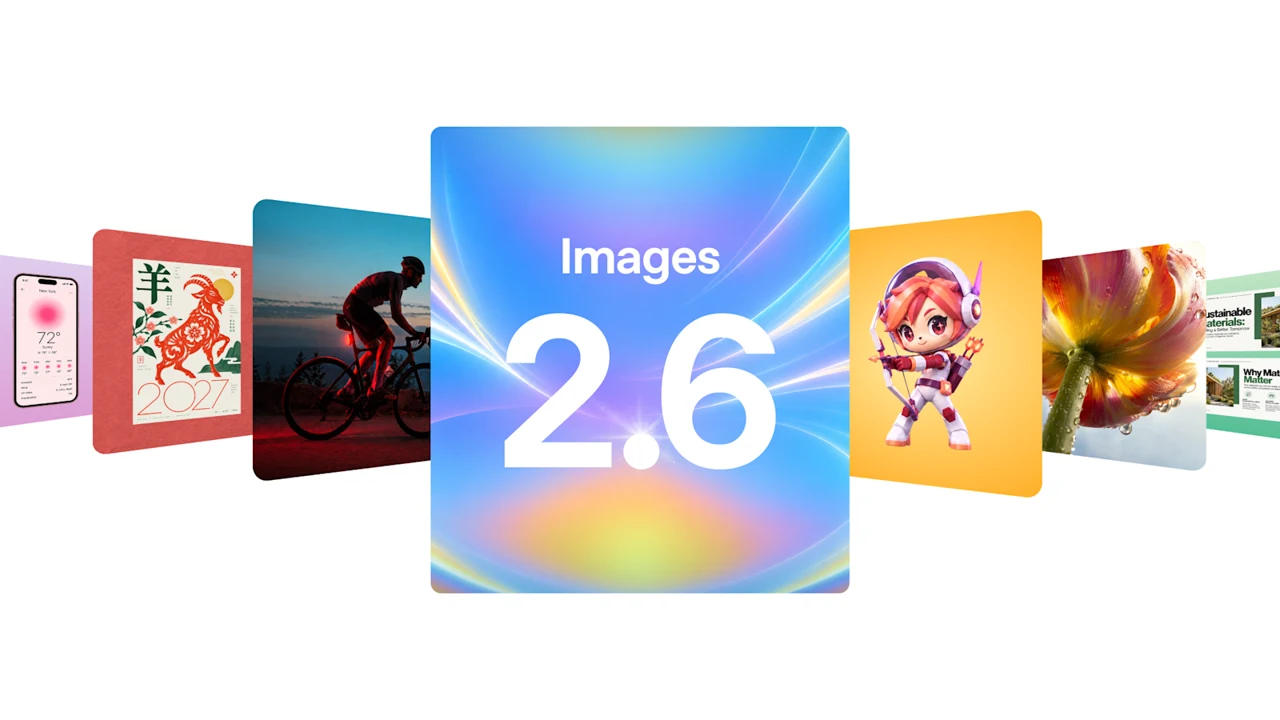
OpenAI introduced Images 2.6 on November 4, accelerating image creation, adding animation and expanding precise editing controls. For advertising creators, the useful question extends beyond a single attractive picture: how does the update affect the route from an idea through revisions to a file ready for publication?
50% faster, according to OpenAI
The company claims 50% faster image generation. The API offers Flare for fast iteration and Sunburst for more detailed work. Flare at low quality can generate in as little as six seconds; that is not a fixed turnaround promise for every request. Sunburst improves detail consistency across edits at medium and high quality.
The practical benefit of speed is comparing compositions sooner. A promising first draft still needs review of lettering, products and character identity before it becomes a finished advertisement. Evaluate the image against the brief, not only the time it took to arrive.
GIFs: from a drawing to a short loop
ChatGPT's help page confirms that GIF creation is rolling out. You can describe a looping movement or upload a still photo or drawing and ask for animation. You can request changes to a GIF created by ChatGPT; opening it provides playback-speed, saving and sharing controls.
There is an important limitation: ChatGPT cannot edit a finished animated GIF that you upload. Nor should this be described as a dedicated frame-by-frame editor. The official help page describes conversational changes, rather than editing arbitrary imported animation files.
Markup and SVG in the API
Markup identifies where an image should change, while the prompt specifies the requested modification. The API uses an annotation layer, avoiding the need to explain an object's location entirely in words. For a focused correction, start with one area and inspect whether the rest of the composition stayed intact.
The documentation also confirms SVG and GIF generation. SVG serves static vector graphics; GIF serves short animations. The complexity parameter controls planning separately from quality, which concerns visual fidelity. Reducing one setting should not automatically be treated as reducing the other.
Pricing: unchanged rates, task-dependent consumption
The standard API price table lists the same per-million-token rates for both 2.6 and 2.5 variants: $5 for text input, $8 for image input and $30 for image output. Cached inputs are listed separately. These are OpenAI token rates, not VIZURAI operation prices.
Equal rates do not guarantee an identical bill for every file: dimensions, quality and token consumption matter. For SVG, the documentation separately describes payment for the reference image and the model that authors the vector output. The phrase “pricing is unchanged” is therefore insufficient for estimating a production budget.
Editorial example: a mascot for a card
Imagine a teaching example in which a drawn mascot greets a visitor. Prepare a still drawing and specify one gesture, a fixed camera and a return to the starting pose. Assess the silhouette and character recognition first, then request a specific correction without replacing the whole scene.
Check the join between the last and first frames, background wobble, gesture readability at small size and file weight. These are editorial recommendations, not findings from a test we performed. A clear loop matters more than a large amount of movement in a banner.
Where to find the features
ChatGPT and API capabilities are documented separately, and GIF availability is still rolling out. The available controls depend on the interface. An OpenAI release does not automatically establish every format and mode in VIZURAI; consult the image studio's current catalog and cost estimate.
Create your own result
Choose an available model and check its price in the studio.
Sources
- OpenAI — Introducing Images 2.6; 4 November 2026 Published by the source:
- OpenAI Help Center — Images in ChatGPT; GIF creation and editing limitations
- OpenAI Docs — Image generation; markup, complexity, SVG and GIF
- OpenAI Docs — API pricing; GPT Image 2.6 and 2.5 token rates
- OpenAI Docs — GPT-Image-2.6 Sunburst