A moving product scene
Use the photo as the opening frame. Plant leaves move slightly; lighting stays constant. Locked camera. Preserve the pot, background and object positions. No new objects.
VIZURAI / WORKFLOWS / 05
Start with one action: a leaf moving, a changing reflection or a slow camera push. Fewer simultaneous changes make the result easier to evaluate.
Open video studio ↗These are example input texts, not guaranteed results. Adapt them to your materials and selected model.
Use the photo as the opening frame. Plant leaves move slightly; lighting stays constant. Locked camera. Preserve the pot, background and object positions. No new objects.
Slowly push the camera towards the cup in the reference photo. Keep the cup still with natural reflections. Preserve the handle and pattern. No camera rotation, steam or scene cuts.
The model may invent details hidden in the reference. Large camera turns and complex motion can introduce distortions. This is a manual workflow in the general video studio.
Do not include passwords, identity-document details or other people’s personal data without an appropriate basis. The connected AI provider receives the materials needed for the task. Automatic masking does not detect all sensitive content in text, images or audio.
Transfers and retention periods →No. Choose an image-reference mode; the studio shows the required fields and accepted files.
A loop prompt does not guarantee matching first and last frames. Inspect the join and refine it in a video editor if needed.
Open the tool and check the available model and settings. Pricing is shown before confirmation. Submission requires an account; new accounts cannot be created while registration is closed. Viewing this guide and copying examples do not start a generation.
PricingYOUR TURN

IMAGES
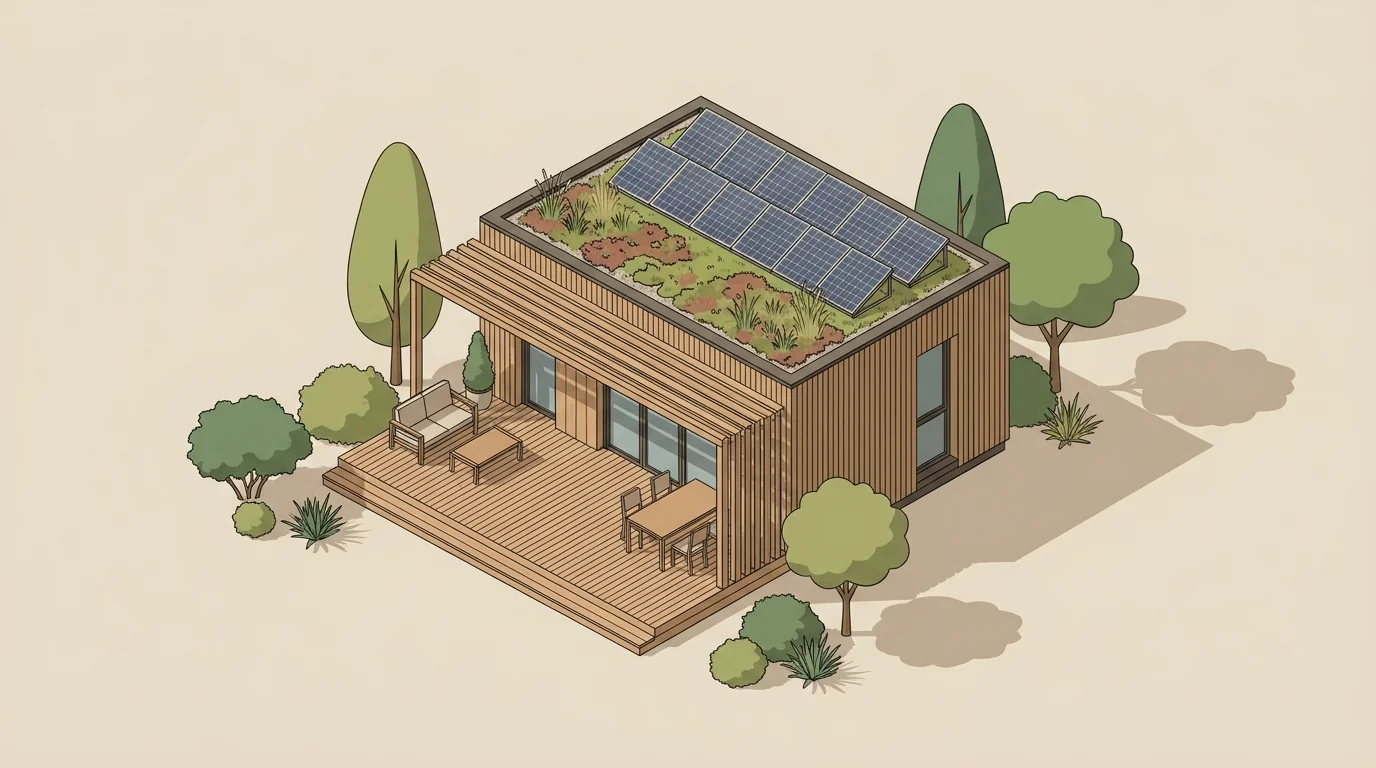
Separate what should change from what must remain. This matters for products, clothing and interiors, where an invented detail can misrepresent the subject.
VIDEO
Show one room in one short shot. Add a sense of space while preserving the real room’s windows, furniture and proportions.
AUDIO
Describe the music’s role: support narration, build anticipation or close a scene. Tempo, density and instruments make a genre description more useful.